Request for Comments: 0002
Category: Best Current Practice
November 2021
3 min read
How To… create Postmortem/ Correction Of Errors
Overview
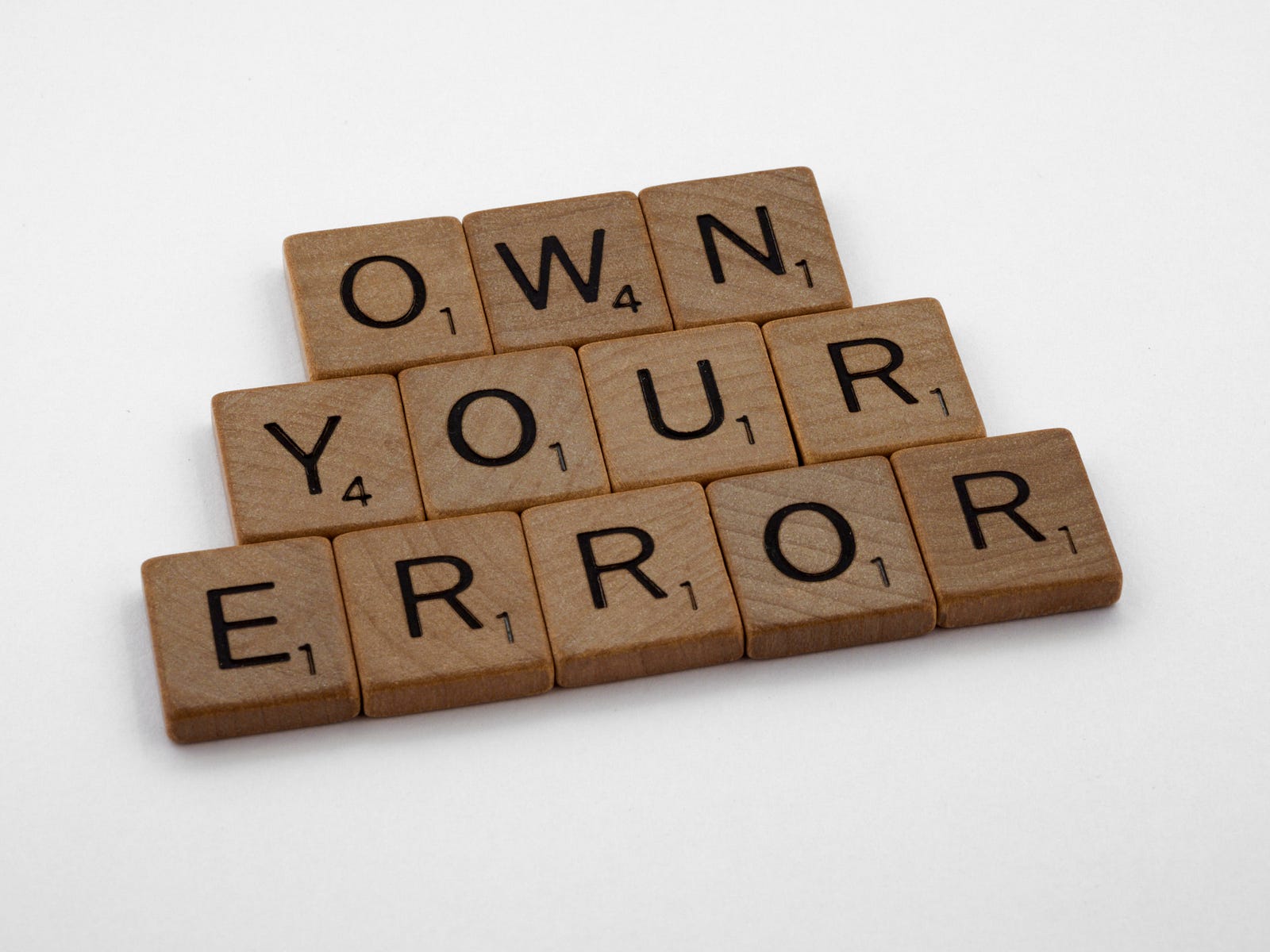
We all make mistakes. Understand and accept it.
If you are a software engineer and didn’t break the production — you are not a senior software engineer. All engineers should understand that mistakes are good, no need to be afraid of them. We should accept them, analyze and learn.
Usually, engineers create a “Postmortem” or “Correction Of Errors (COE)” document. Different companies may have different templates for this document. Sometimes, companies have a “Postmortem” meeting to discuss everything. To my mind, “postmortem” meetings are a bit useless (only managers like meetings, right?) and take a lot of time and resources.
All COE documents should have one goal: understand what happened, how it was fixed, what should be done to avoid such cases in the future.
Structure
Let’s review the structure of the document.
Meta
COE should have an Owner, Created/Happened At date, Feature area, Status. I believe, that all these fields are clear enough, but we can make a shortstop for the “Owner” and “Status” fields.
Owner(s)
Overall the document is a result of discussion with all stakeholders.
But we need a person who may “drive and push” the actions — “Owner”. Usually, it is a technical person who understands what happened and is highly involved in solving the problem. It may be a senior engineer, technical lead, engineering manager.
Status
Generally, the “Status” may have states: Draft, In Review, Approved and Done.
Draft — you started work on the document.
In Review — the document in reviewing stage
Approved — we get enough approvals and are ready to implement/are implementing technical/non-technical solutions.
Done — all action items were done and implemented.
Reviewers
The best practice is sharing the knowledge. That’s why we should add “reviewers” to the document. Thus, the first block is Reviewers.
It should be stakeholders, technical leads, engineers — someone who is interested in, has technical expertise in the area, and may “approve” the COE. They can confirm that the action items are “real” and make sense.
Ideally, you can set these people as “checkboxes” with notifications. By these checkboxes, you may understand who has already reviewed the COE and who has not.
Executive Summary
Description of what happened. How it might impact the users. How we were notified about the exception.
Causes
The root causes of the issue. The unavailable areas. You can add screenshots with metrics, logs.
Timeline
Usually, it is a table with three columns: Date/Time, Event, Description. Date/Time should be with the time zone (Jan 1, 1970, 4:45 AM (UTC))
Event — what happened. Who did what?
Description — more details if needed to explain the event.
Lessons Learned
It is a very important section. Here we analyze and understand what we learn to prevent the same issues in the future. You have to be honest with yourself and try to find as many learning points as you can. It helps for the future to build stable projects.
Corrections
Actions items that should be done to fix the issue. Prevent the same issues in the future. As you see some points can go from the Lessons Learned section.
It is good to have checkboxes here to check the points that have been already done.
Instead of conclusion
Errors are good
Errors are good. QA Engineers are friends with Dev Engineers. We should be honest and don’t afraid to create postmortem documents. It helps us analyze and draw the right conclusions.